
Your website can look polished to a person and still be hard for an AI assistant to understand.
That matters because people are asking tools like ChatGPT, Gemini and Perplexity questions such as “Who offers this service near me?” or “Which local business should I choose?” These tools may use websites and other online sources to help form an answer and link to useful information.
That does not mean people have stopped using Google. Search habits are expanding. Your potential customers may use traditional search, an AI assistant, or both. The practical question is: can AI systems access your website, find the important information and understand what your business offers?
What does it mean for AI to “read” your website?
There are three useful checks:
- Can a crawler access the page? A website or page can be blocked by site settings, security software or other technical controls.
- Can the page be found? Access alone does not guarantee that a page will be indexed or included in a search result.
- Is the information clear? A page needs useful, readable text that explains your services and business details.
AI assistants do not all work the same way. Some use web search to retrieve current pages. Google’s AI features rely on pages that meet the usual requirements for appearing in Google Search. ChatGPT Search and Perplexity also document crawlers that help surface websites in their search experiences.
No website change can guarantee a recommendation. But making your site accessible and clear gives search systems a better chance of finding and interpreting the information you provide.

What can stop AI from understanding your website?
1. Crawlers are blocked
Your robots.txt file gives crawlers instructions about which parts of a site they can access. A broad rule can unintentionally prevent bots from fetching public pages. A firewall or hosting security service can also block requests, even when your site’s rules appear open.
The crawler names and settings differ by service. OpenAI documents OAI-SearchBot for ChatGPT Search and explains that it is separate from GPTBot, which relates to model training. Perplexity documents PerplexityBot for surfacing and linking websites in Perplexity search. Google’s guidance for its AI Search features points site owners to the usual Google Search requirements.
If you want your pages to have a chance of appearing in these experiences, check the current documentation for the services you care about. Do not assume that allowing one crawler allows all of them.
2. Important details are not available as text
A person can recognize a service from a photo or a graphic. A crawler needs accessible page content to understand what the image represents. If your main description is only embedded in an image, animation or graphic, it may be harder for a system to interpret.
Use real page text to explain your services, location or service area, hours, contact details and next steps. Images can support that information, but should not be the only place it appears.
3. Your business information is inconsistent
If your business name, phone number, address, hours or service descriptions vary across your website and public listings, it can be harder to determine which details are current. Keep your website and important profiles accurate. Update them when your information changes.
This applies whether you run a clinic, salon, restaurant, real estate business, nonprofit, professional service, personal service, club or association. Clear, consistent facts help people and search systems understand who you are and how to reach you.
4. Your service pages are thin or vague
A page that says “We provide quality solutions” does not tell a reader much about what you actually do. It may look clean, but it leaves important questions unanswered.
Give each core service enough detail to explain:
- What the service includes
- Who it is for
- Where you provide it, if location matters
- What a customer can expect next
- Common questions, limits or relevant details
Specific information helps visitors make informed decisions. It also gives search systems more context to work with.
5. There is little information about your business elsewhere
Your website is important, but it may not be the only source an AI assistant consults. Accurate business profiles, relevant directories, reviews and professional or community listings can help people find corroborating details.
You do not need to be everywhere. Focus first on the profiles and platforms that make sense for your business. Keep the facts consistent, and avoid creating listings just to increase their number.
How to check whether AI can see your website
You can start with a few straightforward checks. If you are not comfortable reviewing technical settings, ask your website provider to help. Or you can use our AI Website Audit checker. You will receive a report that you can then make your website adjustments as recommended to help increase your website visibility.
- Open your robots file. Add /robots.txt to your domain in a browser. Look for rules that may block your whole site or important sections. Check crawler guidance from ChatGPT Search and Perplexity if you want to understand those services’ access settings.
- Check whether important pages can be indexed. Set up Google Search Console and use its URL Inspection tool to review specific pages. Google says eligibility for its AI Search features follows its standard Search requirements.
- Read your pages as a new customer would. Can someone quickly tell what you offer, who you serve, where you operate and how to contact you? Make sure the answers are written on the page, not only implied by design.
- Ask AI tools specific questions. Try a relevant query such as “What does [business name] offer?” or “Which [service] providers serve [city]?” Note whether your business appears, whether the details are accurate and whether the answer links to your site. Results can vary, so one test is not a guarantee of future visibility.
- Review your public business profiles. Confirm that your name, contact information, location, hours and services match what is on your website.
Start by improving clarity, not adding tricks
You do not need to rebuild your website just because AI search is growing. Begin with the parts that make your business easier to understand:
- Make sure key pages are available to search crawlers.
- Use clear page titles and headings that describe the page.
- Write useful text about each main service.
- Keep your business details consistent across your website and important listings.
- Link related pages so visitors and crawlers can find their way around.
- Update outdated hours, services and contact information.
These are practical website fundamentals, not a promise of a particular ranking or AI recommendation. Google’s guidance for AI features emphasizes the same foundations used for Search, including crawlability, internal links, text-based content and accurate structured data. OpenAI’s crawler documentation and Perplexity’s crawler guidance explain their respective access controls.
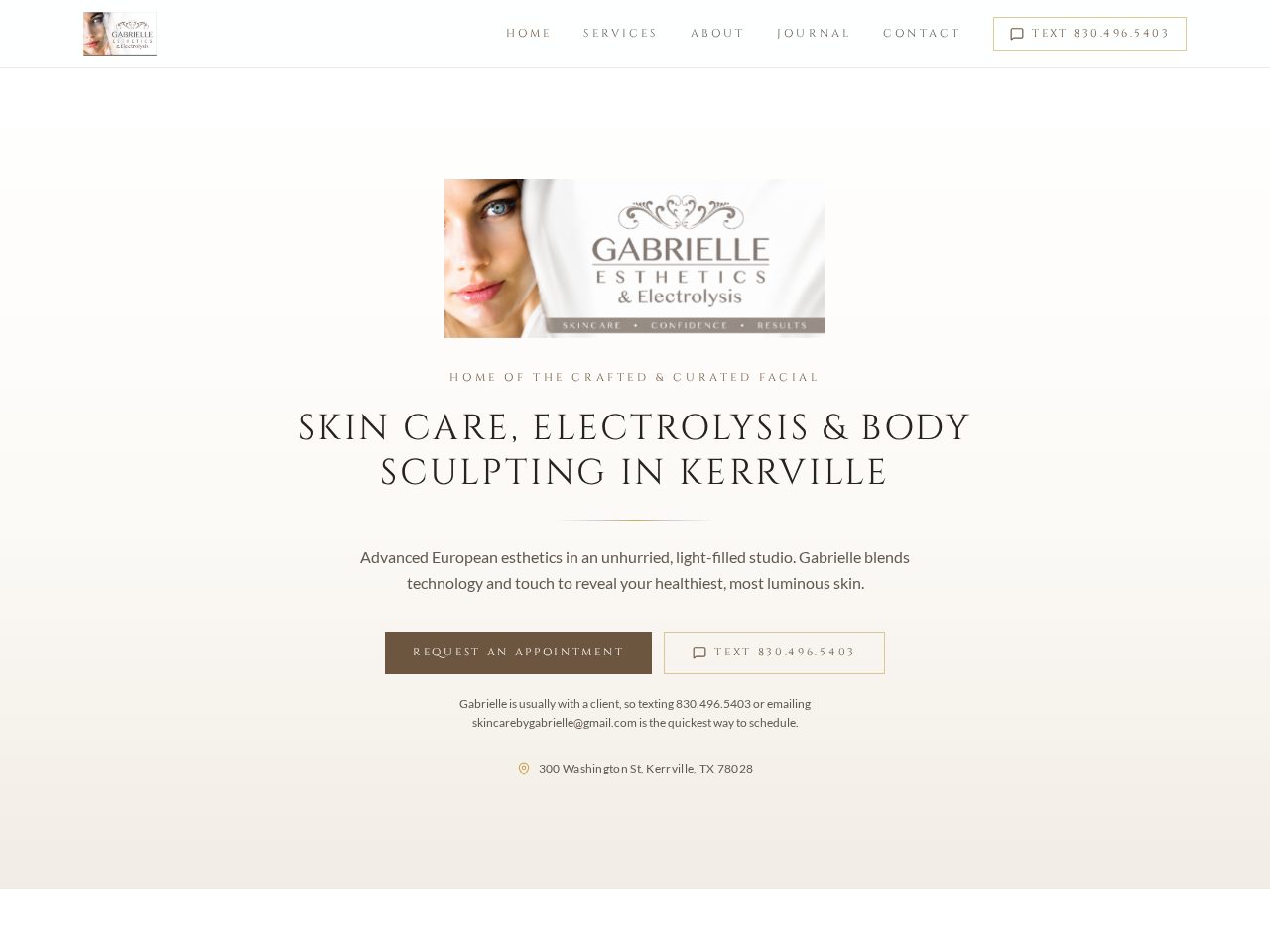
Clear service information is useful across business types. For example, Jonicki Capital Consulting is a professional services site, while Skincare by Gabrielle presents personal services. Each business needs its own accurate details and clear explanation of what it offers.

Find out what to fix first
If you are wondering, “Is my website visible to AI?” a structured review can help you move beyond guesswork. First Look Web Co.’s AI Search Visibility Audit costs $49. It provides a readiness score from 0 to 100 across seven categories, technical checks, AI-reviewed observations and your top five improvements prioritized by impact.
The audit measures website readiness. It does not predict rankings or guarantee that an AI assistant will recommend your business. You receive a private report page and a downloadable PDF, so you can review the findings and decide what to address.
Learn what the AI Search Visibility Audit checks, or read our small-business SEO basics for more on building a clear, searchable website.
AI search is another reason to make sure your website explains your business well. Start with access, readable content and accurate details. If you would like help identifying your first steps, contact First Look Web Co..